
Ghostface Cursor
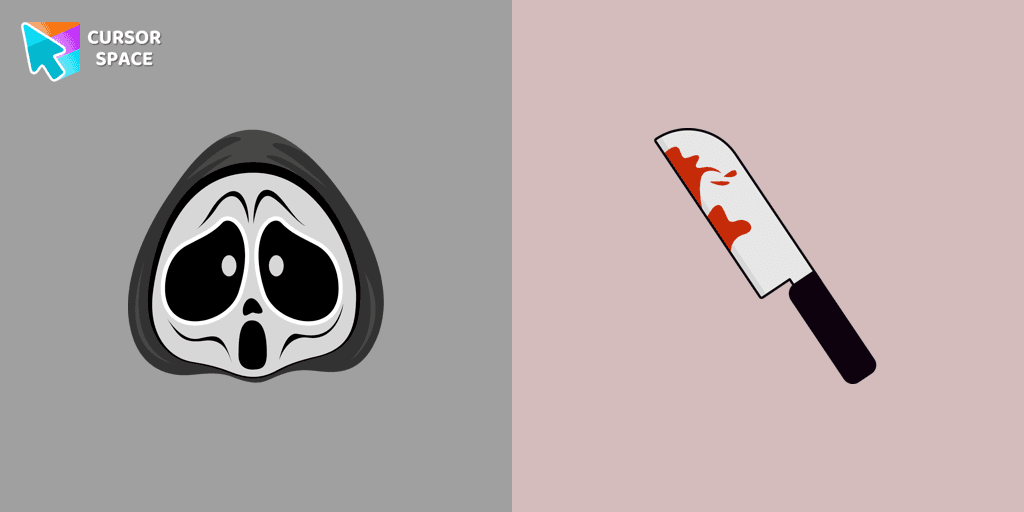
Cursors in the pack
Description
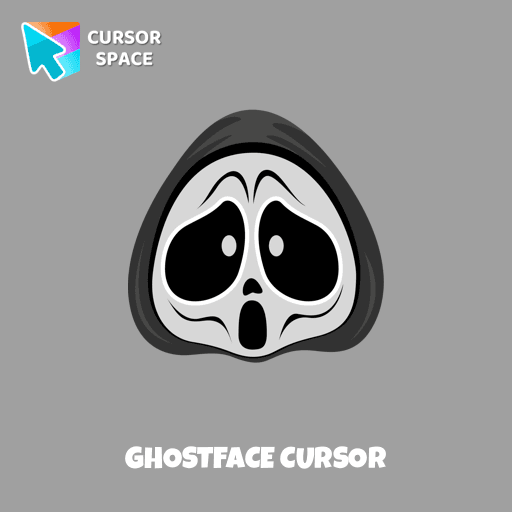
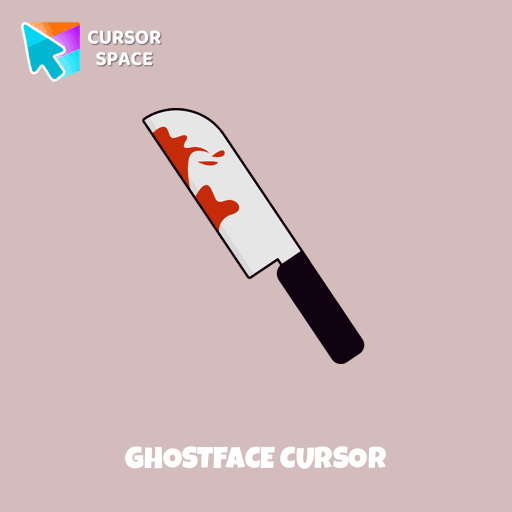
Ghostface is a fictional identity adopted by several characters in the Scream series, known for its iconic mask and mysterious presence. In our Halloween holiday collection of custom cursors, Ghostface is featured as a cursor for the mouse, complete with a custom hover pointer that resembles a knife, adding a spooky touch to your desktop. The Ghostface cursor element is a charming custom mouse and pointer cursor, designed with a stylish pointing hand, perfect for fans of the horror genre.
What's included in the package
- Default Cursor
- Pointer (Hand)
How to install a custom cursor pack Ghostface Cursor
Install the Cursor Space extension for Chrome or Cursor Space for Edge in your browser.
On this page, click "Add this cursor pack to the extension".
Open the extension and go to the Packs tab.
Find the custom cursor pack "Ghostface cursor" and click it.
Enjoy!
Ready to install?
Get this cursor pack and thousands of others by installing our extension. It's fast and free!
About this cursor pack
Ghostface Cursor is a themed cursor pack you can add to your browser to personalize your pointer across common cursor states (default and pointer). Use it for everyday browsing, streaming, studying, or gaming-anywhere you want your cursor to match your vibe.
Instant preview
See how the cursors look before installing.
Easy install
Add the pack to the extension in a few clicks.
Works in your browser
Designed for Chrome and Edge via the extension.
FAQ
Quick answers to common questions about cursor packs, collections, and installation.
Do I need an extension?
Which browsers are supported?
How do I switch back to the default cursor?
Popular cursors today
Custom cursor and packs - neon, anime, pixel art. Quickly add to Chrome and Microsoft Edge for free
- TOP 1
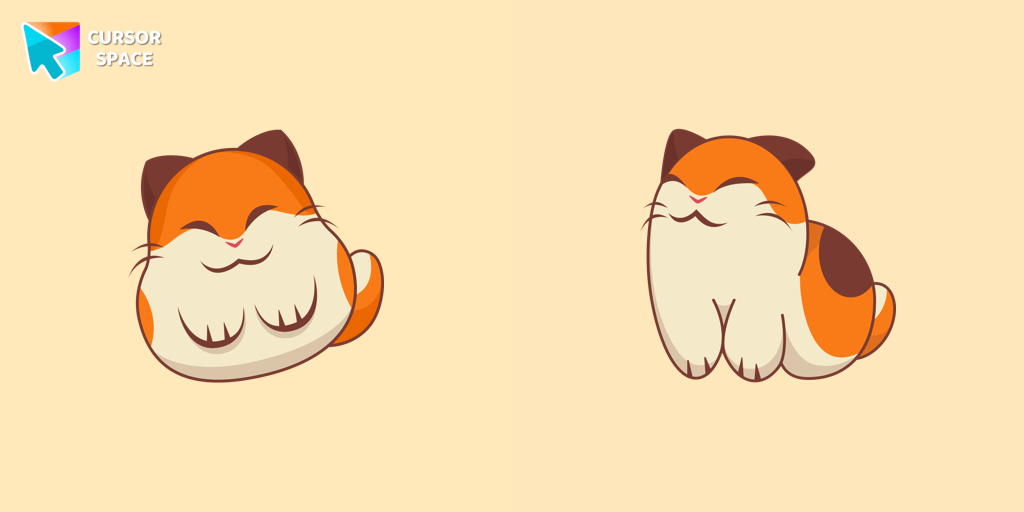
Nago cursor
(574)FreeNago, one of Kirby's animal friends, is a round and plump Japanese Bobtail. Originally designed for the game,
- TOP 2

Default Pink Pixel cursor
(190)FreePink Pixel Cursor is a custom cursor from our custom cursors collection for Chrome.
- TOP 3

Purple cursor
(197)FreeWelcome to our Cursors custom collection for Chrome, featuring a stunning purple cursor to enhance your browsing experience.
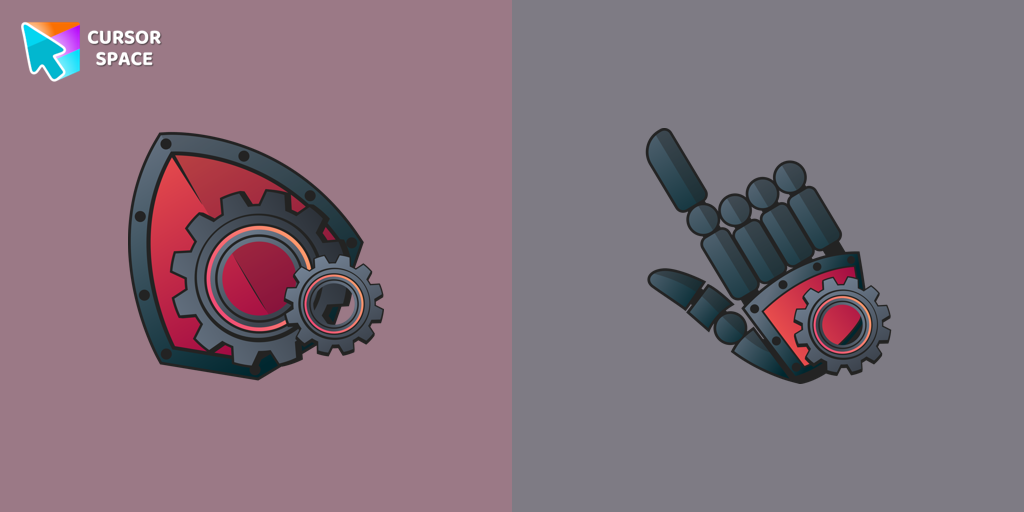
Mechanical cursor
(264)FreeUpgrade your desktop with the Mechanical custom cursor, a sleek blend of technology and elegance for a futuristic browsing experience.
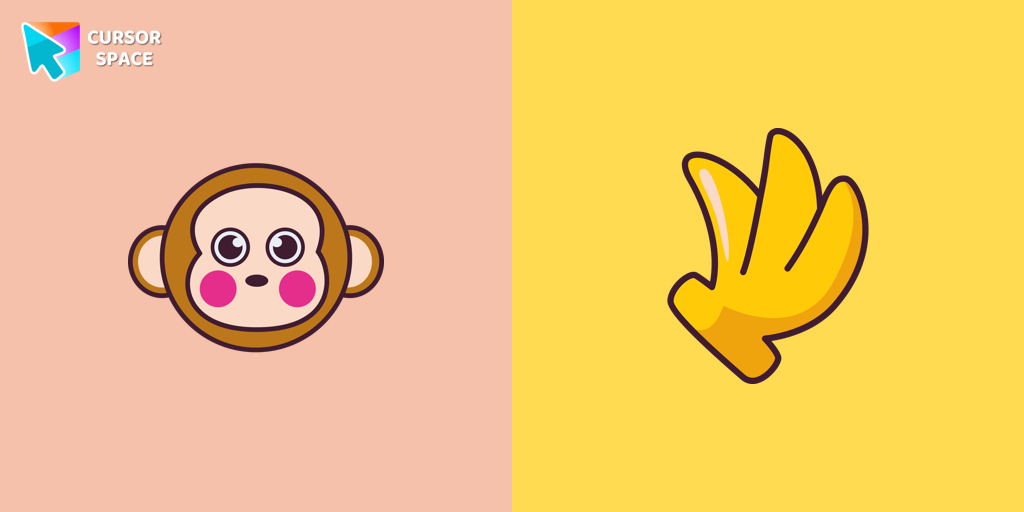
Monkichi cursor
(68)FreeAdd a Monkichi cursor from our custom cursors collection for mouse and pointer in Hello Kitty design.
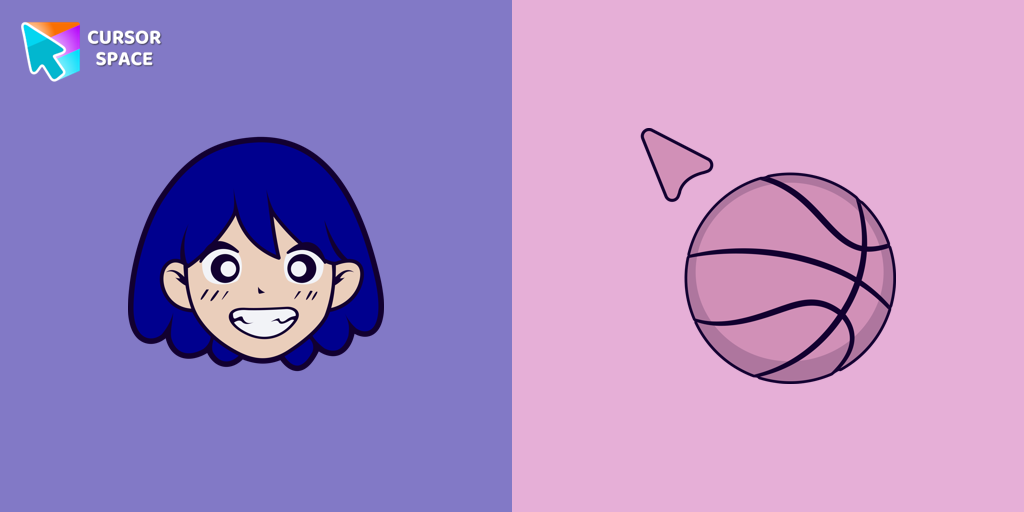
KEL cursor
(15)FreeAdd KEL cursor in the collection of custom cursors with avengers for the browser.
Hawkeye cursor
(171)FreeThe Hawkeye custom cursor for Google Chrome offers precision and sleek design. Experience the agility and accuracy of Hawkeye with this unique cursor.

8 bit cursor
(2.3k)FreeEnhance your browsing with the 8-bit custom cursor. This custom cursor for Google Chrome adds a nostalgic, pixelated charm to your screen for a retro experience.
Yoshi cursor
(171)FreeYoshi, the lovable dinosaur-like character, is both an ally of Mario and Luigi and a sidekick to Mario in the main series
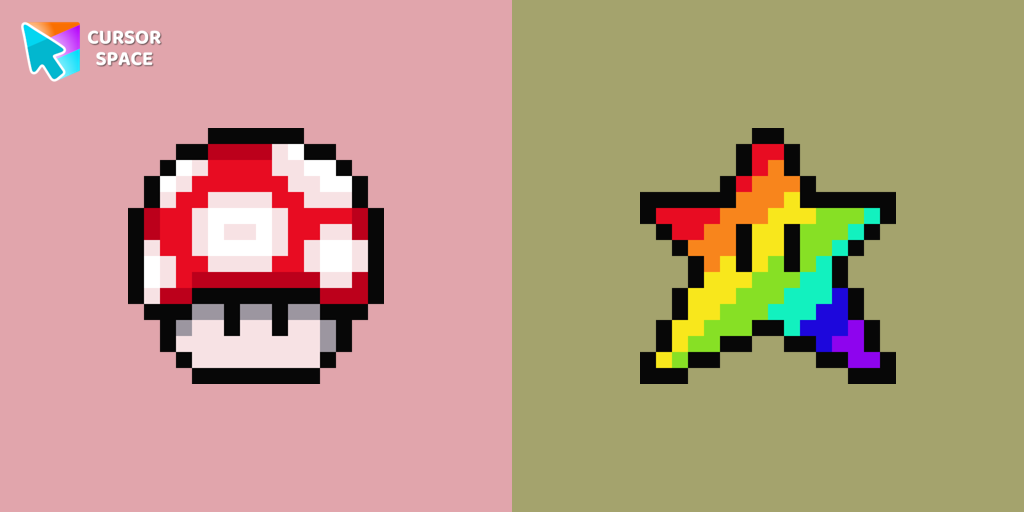
Super Mushroom Pixel cursor
(250)FreeCute custom cursor with Super Mario includes a mouse cursor in the form of super mushroom and a hover pointer with the star.
Spiderman cursor
(476)FreeTransform your browsing with the Spiderman custom cursor for Google Chrome. Enjoy the thrilling design and web-slinging animations of this iconic superhero.
Pointer neon cursor
(2.0k)FreePointer Neon Cursor is a customizable cursor option for those who want to add some color to their computer interface.
Collection hits
Installation leaders from "Halloween": free packs, neon/anime/pixel art, quick add to Chrome and Edge.
- TOP 1
Angry Skull cursor
(36)FreeAngry Skull cursor for a mouse is a good Halloween art to decorate your browsing.
- TOP 2
Burger Skull and Zombie Hand cursor
(24)FreeChilling blood illustrated Burger skull custom cursor and zombie hand hover for the mouse.
- TOP 3
Pizza Monster cursor
(23)FreeDon't forget to decorate your interface with a Pizza Monster custom cursor from our Halloween custom cursors collection.
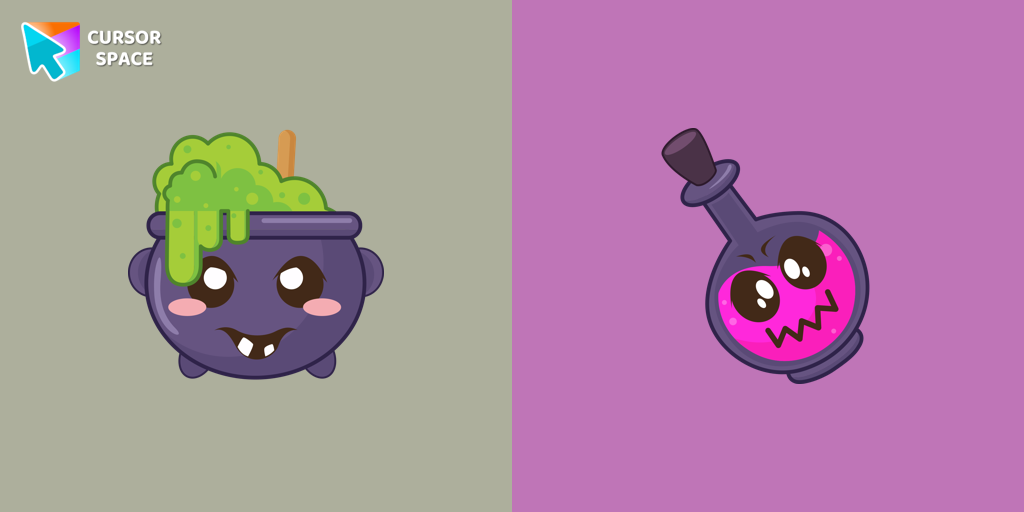
Potion Cauldron and Poison cursor
(20)FreeOur Halloween custom cursors collection for Chrome includes many themed cursors, one of them Potion Cauldron and Poison.
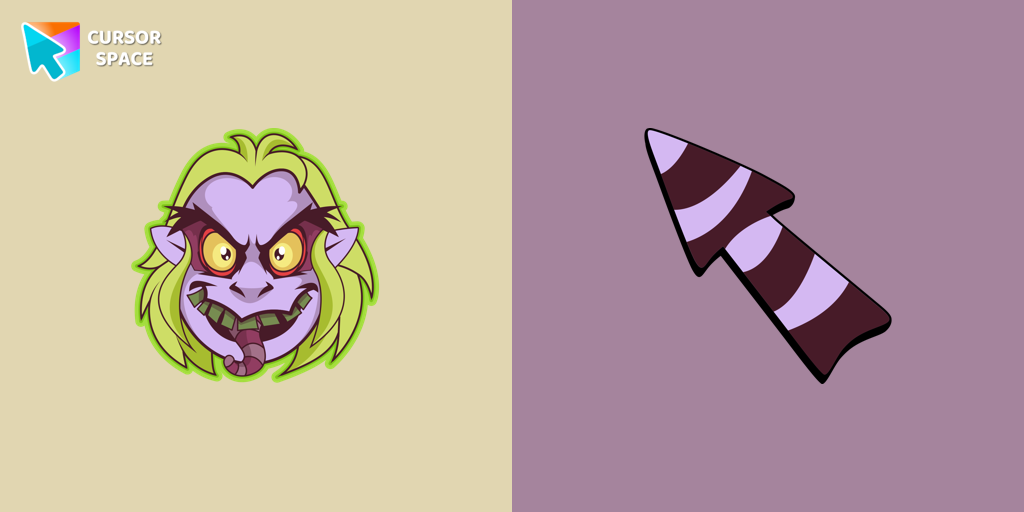
Beetlejuice cursor
(18)FreeWelcome to our Halloween custom cursors collection for Chrome where you will find a custom cursor with Beetlejuice.
Install Cursor Space - A Collection of Custom Cursors for Chrome & Edge
Add packs instantly and unlock access to thousands of cursors: neon, anime, pixel-art, and more. Fast, safe, and free.
- Free cursor packs
- HD/HiDPI & animated icons
- Quick browser installation
Cursor Space is an extension for changing your mouse cursor in Chrome and Edge browsers: themed collections, HiDPI icons, neon, animated, and pixel cursors, with quick installation.